
MarketingJan 25, 2025
4 tips to design better surveys with Zoho Survey
With Zoho Survey, you can create professional and effective surveys by optimizing questions, improvi…
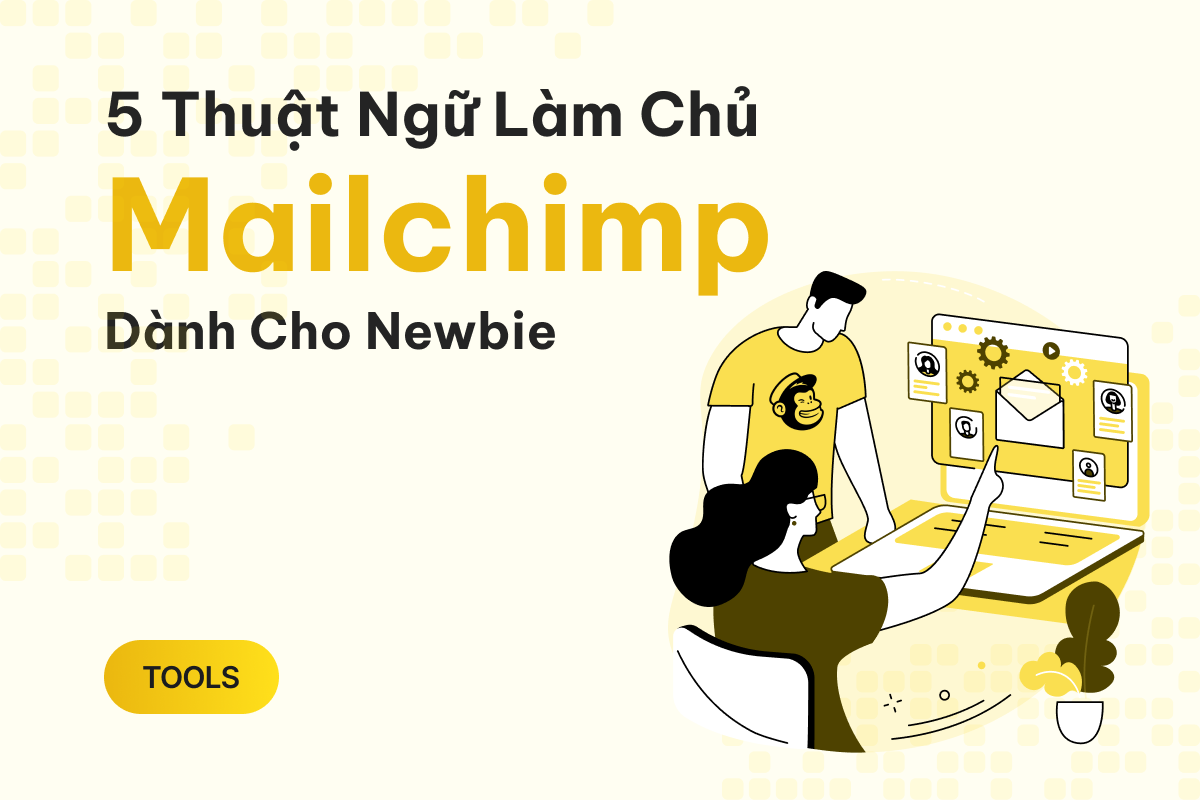
Previously, “audience” was referred to as "list," which was more straightforward. Now, Mailchimp has renamed it to something flashier, but its essence remains the same.
An audience is essentially a collection of all the people who have subscribed to your newsletter or been added to your Mailchimp database.
A single Mailchimp account can have multiple audiences, each serving a specific purpose or campaign. For example, one audience could be for new customers, another for returning customers, or even attendees of an event. An audience can also be segmented into different groups, such as subscribers, unsubscribed users, or manually added contacts.
Note that the free version of Mailchimp limits you to just one audience, allowing you to explore basic features only.

In Mailchimp, a “contact” isn’t much different from how the term is used on other platforms. It simply refers to an individual within your audience.
For instance, if your audience contains 1,000 people, 800 of whom are subscribers and 200 have unsubscribed, all of them are still considered contacts.
Mailchimp separates “audience” and “contact” to help you manage users more effectively and ensure your marketing campaigns are efficient.
Again, the free plan only allows one audience for basic functionality.

A campaign in Mailchimp is a marketing effort you create and send to your audience. This is the primary reason most users pay to use Mailchimp.
There are different types of campaigns in Mailchimp:
Campaigns in Mailchimp are a powerful tool for connecting with customers, building long-term relationships, and driving sales. Combining different campaign types can help maximize your marketing strategy.

Understanding “seats” is essential because Mailchimp’s free plan only includes one seat. The number of seats increases with paid plans, with the premium plan offering unlimited seats (though it costs up to $350/month).
A seat represents a user who has access to your Mailchimp account. Aside from the primary account holder, you can add multiple users, all of whom are referred to as seats.
You can assign different permission levels for each seat based on your needs:
For individual users, one seat is sufficient. Small businesses may require two seats: one for an admin and one for a manager. Larger companies with multiple departments will naturally need more seats.

In Mailchimp, automation refers to an email (or series of emails) sent automatically when a specific event occurs, based on your settings.
For example, you can set up automation to send a thank-you email and a discount code to new customers after they sign up for your newsletter.
If you’ve used automation tools like Make.com, n8n, or Zapier, this concept should feel familiar. However, Mailchimp uses a unique “journey points” system. Each step in the automation process counts as one journey point, and the number of points is limited based on your subscription plan. The free plan doesn’t include any journey points.
For instance, an automation for sending a thank-you email may require at least two points: one for identifying a new user and one for sending the email.
Of course, Mailchimp has many other complex terms, which you can explore in its user guide. However, these five terms are crucial for understanding how Mailchimp works and how it calculates monthly fees.

[EmbedSoftware ids="51"]
With Zoho Survey, you can create professional and effective surveys by optimizing questions, improvi…

Mailchimp not only helps you build long-term relationships with customers but also supports revenue …

After registering for a Mailchimp account, there are important steps you need to take to use the pla…
We run an actual performance + AI stack at Nexpo — automated lead scoring, AI-generated ad copy, anomaly detection across ad accounts. Everything tied to weekly ROI. Want this for your business? We'll map a roadmap based on your current data.