

MarketingJan 25, 2025
4 outstanding benefits Mailchimp can bring to your business
Mailchimp not only helps you build long-term relationships with customers but also supports revenue …
With Zoho Survey, you can create professional and effective surveys by optimizing questions, improving the interface, and leveraging smart tools. This article shares 4 tips to help you design better surveys with Zoho Survey.
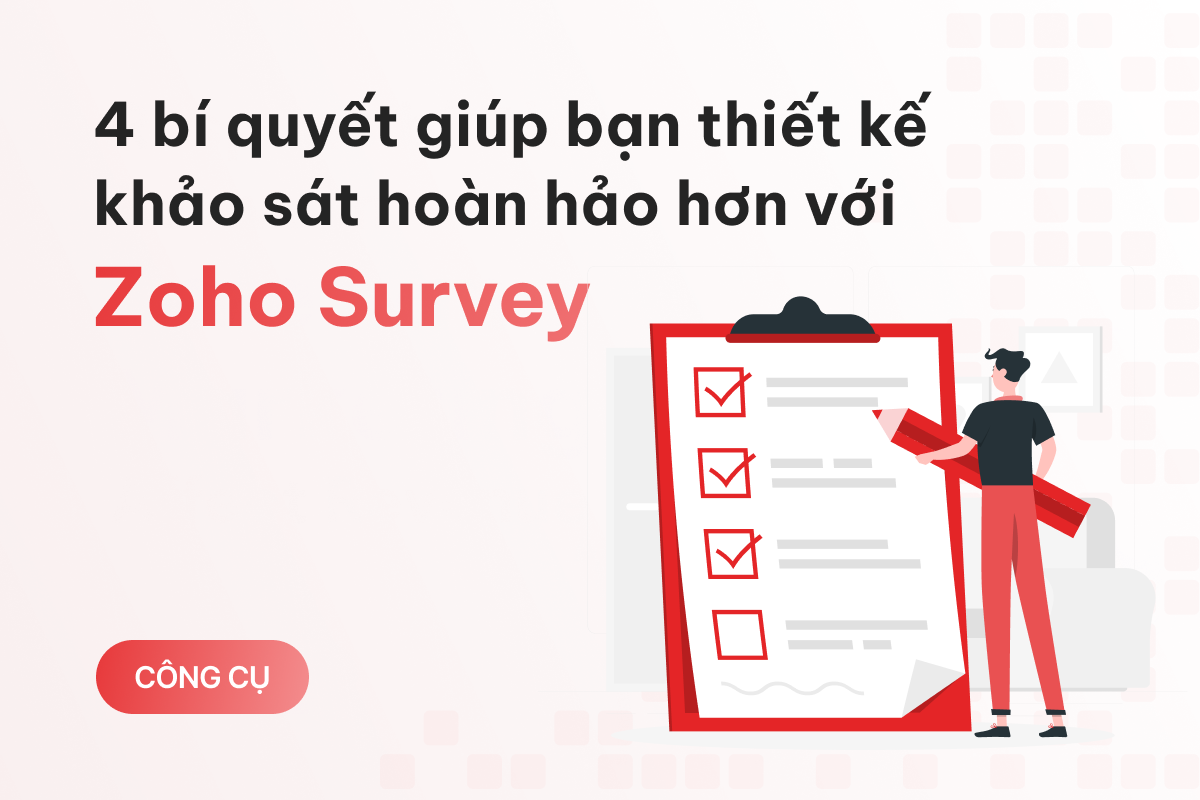
Did you know that an average survey for university students with 40 questions takes nearly 30 minutes to complete? For a class of 50 students, this means the teacher has taken 1,500 minutes—or 25 hours—of their time.
Survey participants often scroll through a survey to quickly check its length and time commitment. If it feels too long, they may lose interest, provide rushed answers, or even avoid participating in future surveys.
The key to creating a successful survey in Zoho Survey is to make it as concise as possible. Ideally, a survey should take less than 10 minutes to complete, which is about 15–20 questions.
When designing a survey in Zoho Survey, you should edit questions to be brief, remove unnecessary or redundant ones, for example:
Although these questions appear different, they essentially convey the same meaning. Retain only one to avoid redundancy in the survey.

Time is precious, and it’s already challenging to invite someone to take a survey. Designing a survey that they can complete entirely is even harder. Not all questions in a survey are relevant or necessary for every participant.
Therefore, you should clearly indicate which questions are mandatory and which ones can be skipped.
For example, in a survey about online shopping habits:
Zoho Survey offers tools to set mandatory and optional questions. The platform also supports skip logic, allowing irrelevant questions to be skipped automatically based on previous answers.

Using these features makes the survey more user-friendly, saves time, and ensures the data collected is accurate and valuable.
A common mistake among new Zoho Survey users is including too many open-ended questions—those without predefined answers, allowing respondents to answer freely.
Open-ended questions can confuse or discourage respondents, resulting in vague or unhelpful answers. For example:
This question is too general, and respondents may not know whether you want feedback on price, design, or usability. Their answers might simply be "Good," "Bad," or "Okay."
Instead, use rating questions. For example:

With rating questions, Zoho Survey can automatically generate charts and reports, allowing for quicker data analysis in the future.
Just like browsing a website or reading news, a survey with visuals and an attractive design can make participants feel more engaged, increasing the likelihood of survey completion.
Zoho Survey supports visual enhancements through tools such as:
For users with web design knowledge, Zoho Survey also allows custom CSS to create unique survey interfaces tailored to specific needs.

Tip: Always check that your survey displays well on various devices, including smartphones and tablets.
By following these tips, you can create engaging surveys in Zoho Survey. If you still encounter challenges, you can contact BENOCODE for expert advice on using Zoho Survey effectively.

[EmbedSoftware ids="52"]
Mailchimp not only helps you build long-term relationships with customers but also supports revenue …
After registering for a Mailchimp account, there are important steps you need to take to use the pla…

Mailchimp is a popular email marketing platform with specific terminology to describe its features. …
We run an actual performance + AI stack at Nexpo — automated lead scoring, AI-generated ad copy, anomaly detection across ad accounts. Everything tied to weekly ROI. Want this for your business? We'll map a roadmap based on your current data.