
ToolsFeb 8, 2025
Comparison between Zoho Forms and Google Forms
Zoho Forms and Google Forms are two leading tools for data collection, but which one is the right ch…
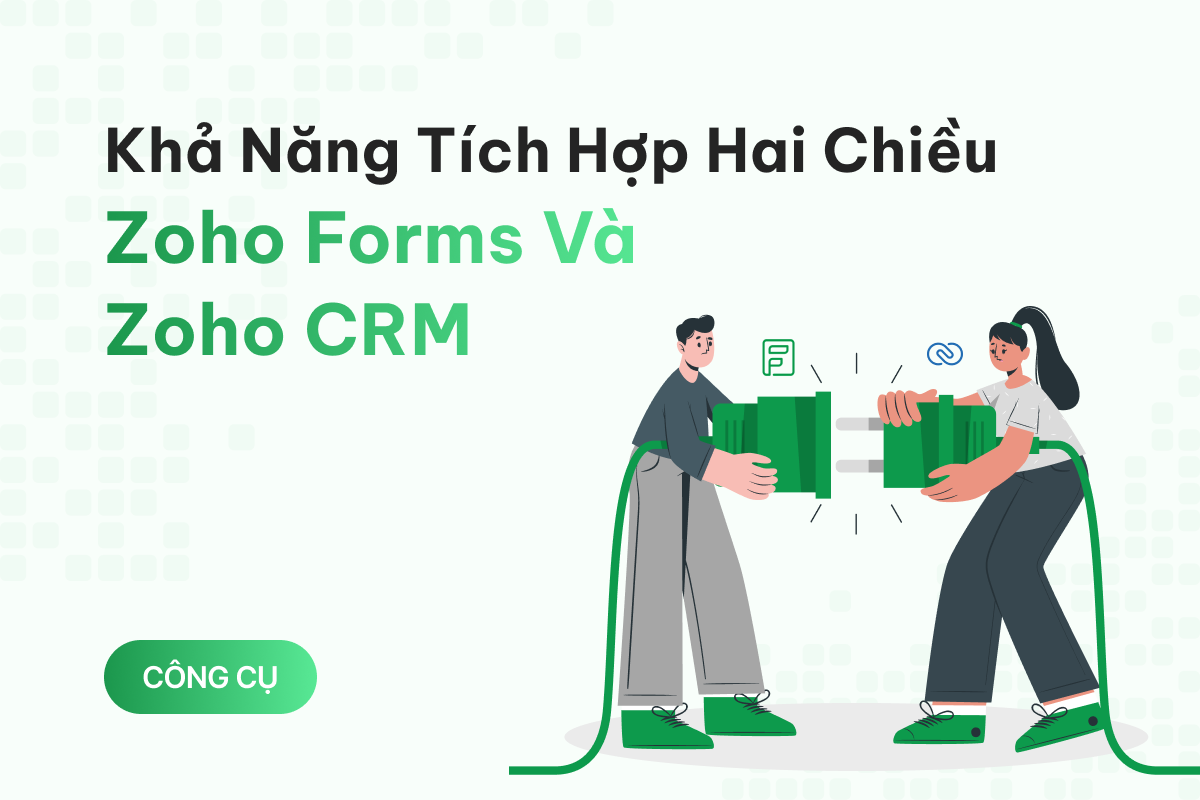
Do you dream of a virtual assistant that can automate everything from data collection to customer information management? Zoho Forms and Zoho CRM are the perfect two-way integrated duo to turn that dream into reality. When these two tools work hand in hand, data entry and task processing become effortless!
Zoho Forms is an online form builder that helps collect information from customers or users through forms such as registrations, surveys, order forms, feedback forms, etc.
Zoho CRM is a customer relationship management system that enables businesses to track and manage relationships, business opportunities, transaction history, and customer information.
The two-way integration between Zoho Forms and Zoho CRM means that when new information is collected through a Zoho Forms submission (such as customer details, product inquiries, or survey feedback), it is automatically transferred into Zoho CRM to create or update customer records. Conversely, when customer information is modified in Zoho CRM (such as a change in customer status or contact details), these updates are automatically synchronized with Zoho Forms if needed.
When you integrate Zoho Forms with Zoho CRM, every time someone fills out a form, the information is automatically added to the Zoho CRM system without manual entry. For example, if you place an order on a website, the information is automatically sent to the inventory management system without requiring staff to input data.
Additionally, you can set up the system to automate other tasks to save time and effort, such as:

Endless conveniences
Zoho Forms can automatically retrieve data from Zoho CRM and fill in the form fields. Simply put, you don’t need to re-enter details like name, phone number, or email—the system will automatically find and populate them for you.
For example, if you are organizing a workshop and create a Zoho Forms registration form, and a user named "Nguyen Thi Hoa" has attended a past event, her details are already stored in Zoho CRM.
She only needs to type “Hoa” in the “Full Name” field, and the form will auto-fill the remaining details:
This feature allows you to add information from Zoho Forms to the "Related Lists" section in Zoho CRM. If a customer already exists in CRM, you can use Zoho Forms to update their records (e.g., adding new orders, registering for events, or enrolling in courses).
For example, if "Nguyen Thi Hoa" is a saved contact in CRM and she fills out a form to register for a new course, the system will automatically add “Course: Online Marketing” to her related list of enrolled courses in CRM. This eliminates the need for manual data entry while ensuring quick and automatic updates.

Data Synchronization Between Zoho Forms and CRM
When someone submits a Zoho Forms entry, the system immediately triggers predefined tasks in Zoho CRM.
How It Works
Real-World Example
A customer submits a product registration form.
The system automatically:
Zoho Forms not only transfers data to CRM but also helps you manage and organize data more effectively.
How It Works
Real-World Example
A customer submits a quote request form with an attached design file.
CRM automatically:

Easy Data Management
Zoho Forms helps you determine which advertising campaigns attract customers, allowing you to analyze campaign performance.
How It Works
Real-World Example
A customer clicks on the "New Year Promotion" ad and fills out a purchase form.
CRM automatically stores the GCLID in the customer record.
CRM reports show that “New Year Promotion” brought in 50 customers, while “Summer Sale” only generated 10 customers.
The two-way integration between Zoho Forms and Zoho CRM helps businesses save time and minimize errors in data entry. Additionally, advanced features such as auto-filling forms and updating supplementary data significantly enhance work efficiency and productivity. However, users must be cautious in data collection, as inaccurate initial data can impact CRM accuracy.
[EmbedSoftware ids="56"]

[EmbedSoftware ids="33"]

Zoho Forms and Google Forms are two leading tools for data collection, but which one is the right ch…

In the 4.0 era, where work demands speed and flexibility more than ever, Zoho Forms has become an in…

Automating communication on messaging platforms has become an essential need for modern businesses. …
We see AI as an investment — not a cost — for optimizing operations, marketing, sales, and customer support. But the right investment needs a roadmap, not trend-chasing. First 30-minute call is on us. No sales pitch. Just two founders talking about your business.