
MarketingJan 25, 2025
4 tips to design better surveys with Zoho Survey
With Zoho Survey, you can create professional and effective surveys by optimizing questions, improvi…
Investing in visuals, content, and timing can elevate your email marketing strategy with Zoho Campaigns. This article shares six practical tips to help you maintain brand identity and boost campaign effectiveness using this popular platform.
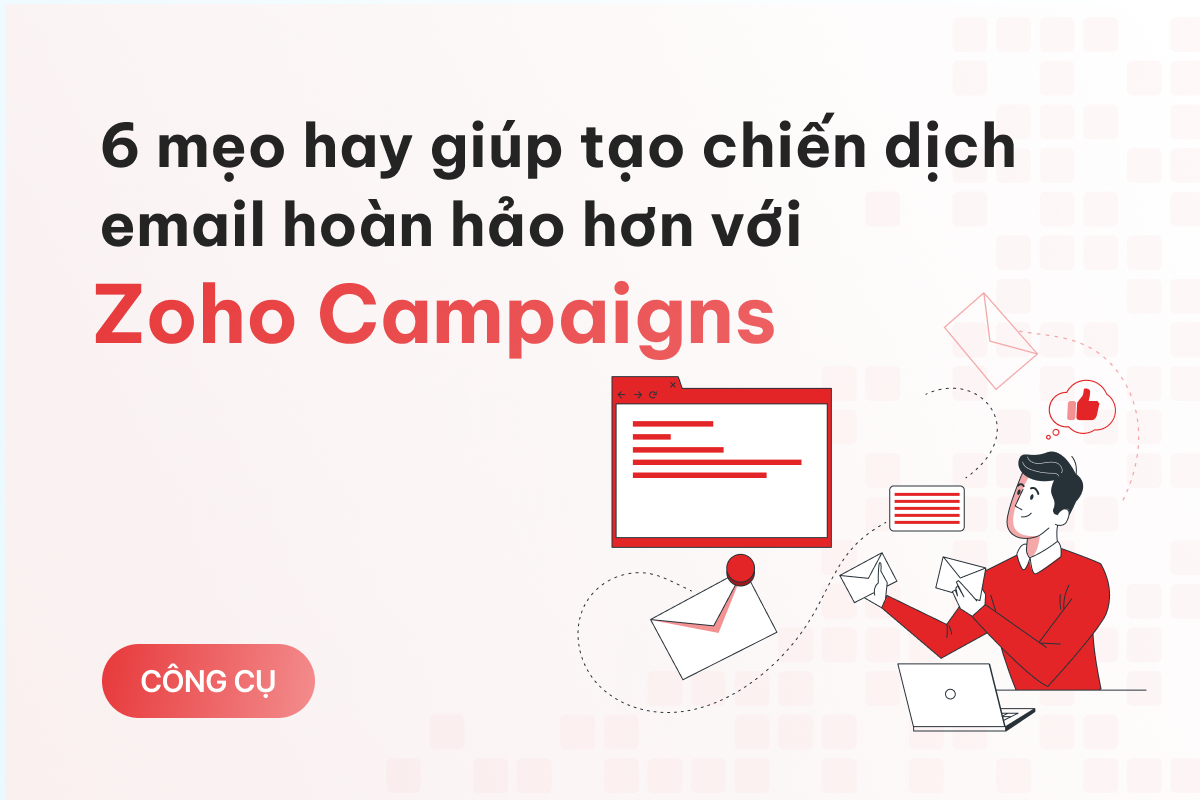
Images are essential to making your emails visually appealing and impressive. However, improper use of images can lead to issues like bulky emails, poor aesthetics, and a less professional image in the eyes of your audience.
According to Zoho Campaigns developers, you should aim for a 6:4 ratio when composing emails, meaning 60% text and 40% images.
Additionally, avoid using images larger than 1 MB, as they may cause your email to be flagged as spam. If needed, consider using free online tools like TinyPNG, ILoveIMG, Compress JPEG, or Optimizilla to reduce image size while maintaining quality.

Few people realize that email providers (like Google or Yahoo) have smart algorithms to scan email content before it reaches recipients. These algorithms may mistakenly mark your email as spam if it detects grammatical errors, spelling mistakes, or spam-triggering phrases.
Phrases like "Free," "Discover Now," "No Risk," "Get it Now," and "Last Chance" are common culprits.
To avoid this, always double-check your email content. Before launching an email marketing campaign, test it by sending an email to yourself. Zoho Campaigns provides a convenient “Test Email” feature that you can use anytime.

If your email lands in the spam folder, review the content to identify the problem.
For email lists with 5,000 or more addresses, it’s best to send in smaller batches, spacing each batch by 24 hours for optimal results.
Sending emails in batches is especially useful when using automation workflows in Zoho Campaigns. It helps control the sending process, minimizes server rejection risks, ensures delivery, and provides the flexibility to pause the campaign and make adjustments if errors are found in later batches.

Some users may have changed their email addresses without your knowledge, or errors in your email list may lead to undeliverable messages. Invalid or bounced emails increase failure rates, making email providers like Google or Yahoo consider you unreliable. This could result in your emails being flagged as spam or even blacklisted.
By maintaining a list of valid email addresses, you can boost open and click-through rates, ensuring better campaign performance.
Consider using free tools like Clearout.io to “clean” your email list, removing invalid or nonexistent addresses. Once cleaned, you can confidently execute your email marketing campaign.

No one likes receiving promotional emails in the middle of the night, no matter how enticing the offer. Furthermore, bombarding users with daily emails from a stranger can be incredibly annoying.
It’s essential to identify the best time to send emails and maintain a reasonable frequency.
The ideal timing depends on your campaign’s goals and industry specifics. However, Zoho Campaigns developers recommend running campaigns in the morning, between Tuesday and Thursday, and spacing emails 1–2 times per week for optimal engagement.
Your “signature” isn’t just your name—it’s your unique style and brand identity.
Imagine creating an email with outstanding content and visuals, leaving a lasting impression on readers. However, a week later, they’ve forgotten who sent it, even though they remember the email itself.
To ensure you leave a lasting mark, set up a personal touch in Zoho Campaigns by navigating to “Setup” → “Signup Pages and Emails.”

Review and complete essential elements to ensure brand consistency. A visually appealing welcome email or a well-designed landing page can leave a memorable impression on your audience.
By following these tips, you can enhance your email marketing strategy and achieve better results with Zoho Campaigns.

[EmbedSoftware ids="47"]
With Zoho Survey, you can create professional and effective surveys by optimizing questions, improvi…
Mailchimp not only helps you build long-term relationships with customers but also supports revenue …
After registering for a Mailchimp account, there are important steps you need to take to use the pla…
We run an actual performance + AI stack at Nexpo — automated lead scoring, AI-generated ad copy, anomaly detection across ad accounts. Everything tied to weekly ROI. Want this for your business? We'll map a roadmap based on your current data.